Twitch alerts in Telegram
Never miss a stream you care about.
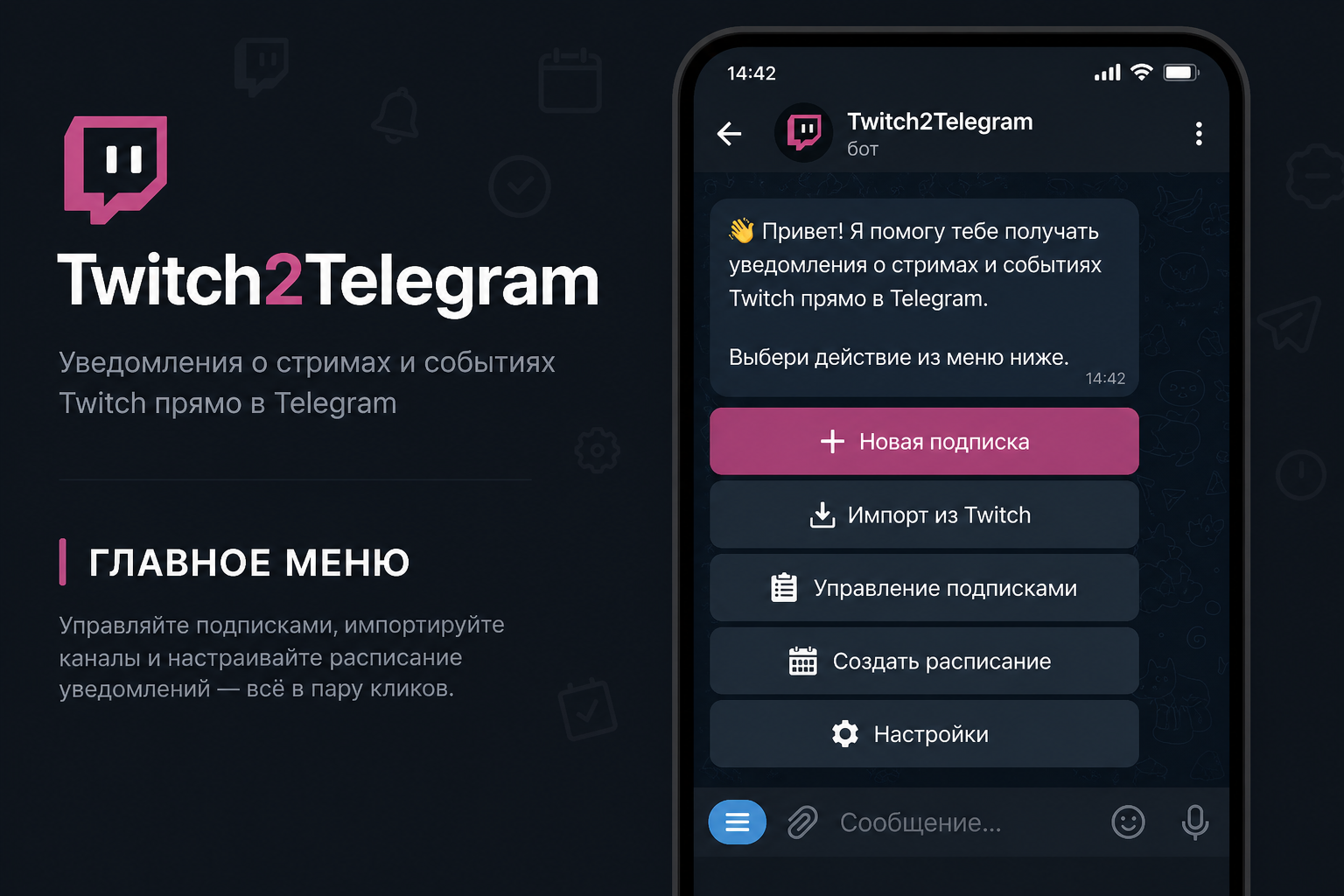
Pick a Twitch channel, choose when to notify, and where to send it. The bot watches Helix and delivers the message you configured — DM, channel, Discord, or a signed webhook.
Stream start, category change, upcoming from Twitch schedule, stream end, Drops, game alerts, release dates, and free giveaways.
Private chat, Telegram channel/group (topics supported), Discord Incoming Webhook, or your own HTTPS JSON webhook with HMAC.
Message templates with placeholders, stream preview, game cover, GIF/video preview, and optional AI cover on Premium.
OAuth once and pull Twitch follows into subscriptions. Premium can keep them in sync automatically.
Lucky pick, stream chat Mini App, schedule tools, AI clips from VOD, channel stats — open more with Premium.
Russian, English, Ukrainian, and Italian in the bot UI. This site follows your browser locale by default.
Start @twitch2telegram_bot or @twitchbot_game and pick a language.
New subscription → alert type → Twitch link or username → destination.
Template, image, buttons, advanced filters — keep free defaults or unlock Premium options.
When the event fires, the bot sends exactly where you pointed it.
Free covers stream-start alerts with up to 5 active subscriptions. Premium unlocks more types, sync, advanced options, history, AI clips, and more — paid in Telegram Stars.
0
Stars
from 20
Stars
Open the bot, add your first streamer, and keep the guide handy for every menu.